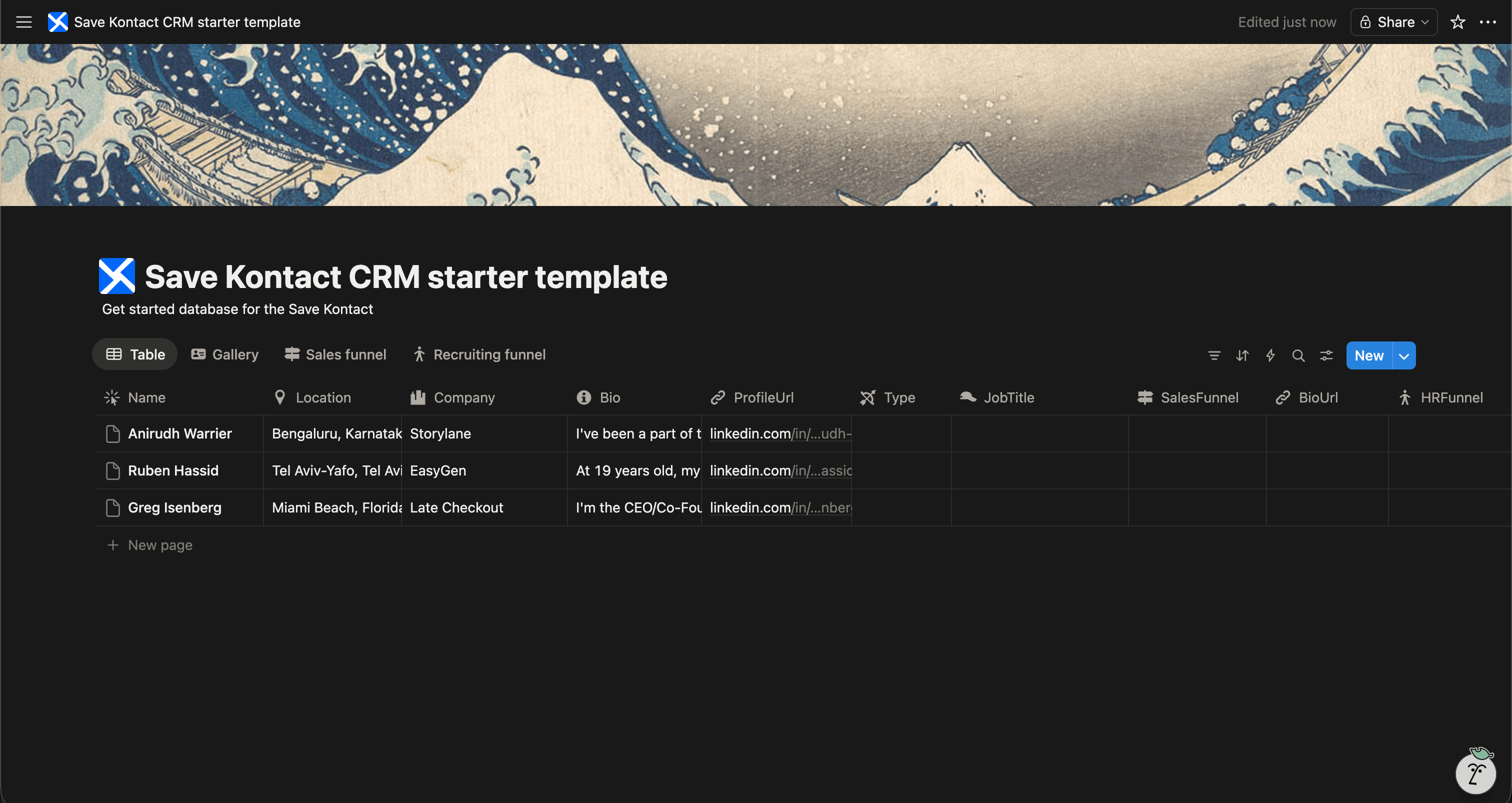
In the early days of a startup, you don't need expensive enterprise CRMs. You need an agile, fast system to keep track of your design partners, beta testers, early customers, and strategic partners.
We've created a Free Startup CRM Template for Notion to give early-stage founders the ultimate command center for their relationships.
Get the Startup CRM Template for FREE
Why Build a Startup CRM in Notion?
Notion is the operating system for thousands of startups. Keeping your CRM there means all your business context is in one place.
- Single Source of Truth: Link user feedback in your CRM directly to your product roadmap.
- Agility: Change your CRM's structure instantly as your startup pivots or grows.
- Team Transparency: Give your entire founding team visibility into customer conversations and partnerships.
- Cost-Effective: Don't pay per-seat licenses for software you barely use yet.
What's Included in the Template?
Our free Notion Startup CRM template is built to scale with your early company:
- Contact Name & Organization
- Relationship Type (e.g., Early Adopter, Partner, Vendor, Advisor)
- Status (e.g., Active, Cold, Churned)
- LinkedIn URL & Email
- Feedback & Feature Requests
- Last Meeting Date & Notes
Download the Free Startup CRM Template
The Best Way to Manage Inbound & Outbound
When you are hustling on LinkedIn to find early users or partners, the last thing you want to do is data entry.
SaveKontact seamlessly integrates with your Startup CRM.
-
Install SaveKontact: Add the Chrome extension.
-
Connect to Notion: Link it to your Startup CRM.
-
Capture Instantly: Visit the LinkedIn profile of a potential user or partner, click SaveKontact, and their data is pushed straight into your Notion database.
How to use
Here are the action items to get started with the CRM templates:
Get the Free Notion Template
- Duplicate the CRM of your choice in your workspace
- Adapt it to your needs. You can add fields, rename fields, or do whatever you want
- Start populating it with your contacts
- Pro tip: check out Save Kontact, to quickly add contacts from LinkedIn