Managing a talent pipeline can get messy. Spreadsheets quickly become outdated, and enterprise enterprise recruiting software is often too expensive or complex. That's why building a Recruiting CRM in Notion is the perfect alternative.
We've created a Free Recruiting CRM Template for Notion to help you track candidates from application to offer.
Get the Recruiting CRM Template for FREE
Why Build a Recruiting CRM in Notion?
Notion provides a customizable workspace where your talent pool, interview notes, and pipeline stages can all live together.
- Visual Pipelines: Use Kanban boards to move candidates through hiring stages.
- Collaborative Hiring: Share candidate profiles and interview feedback with your team.
- Custom Filters: Sort candidates by role, experience level, or interview status.
- Organized Notes: Keep resumes, portfolios, and interview notes in one organized place.
What's Included in the Template?
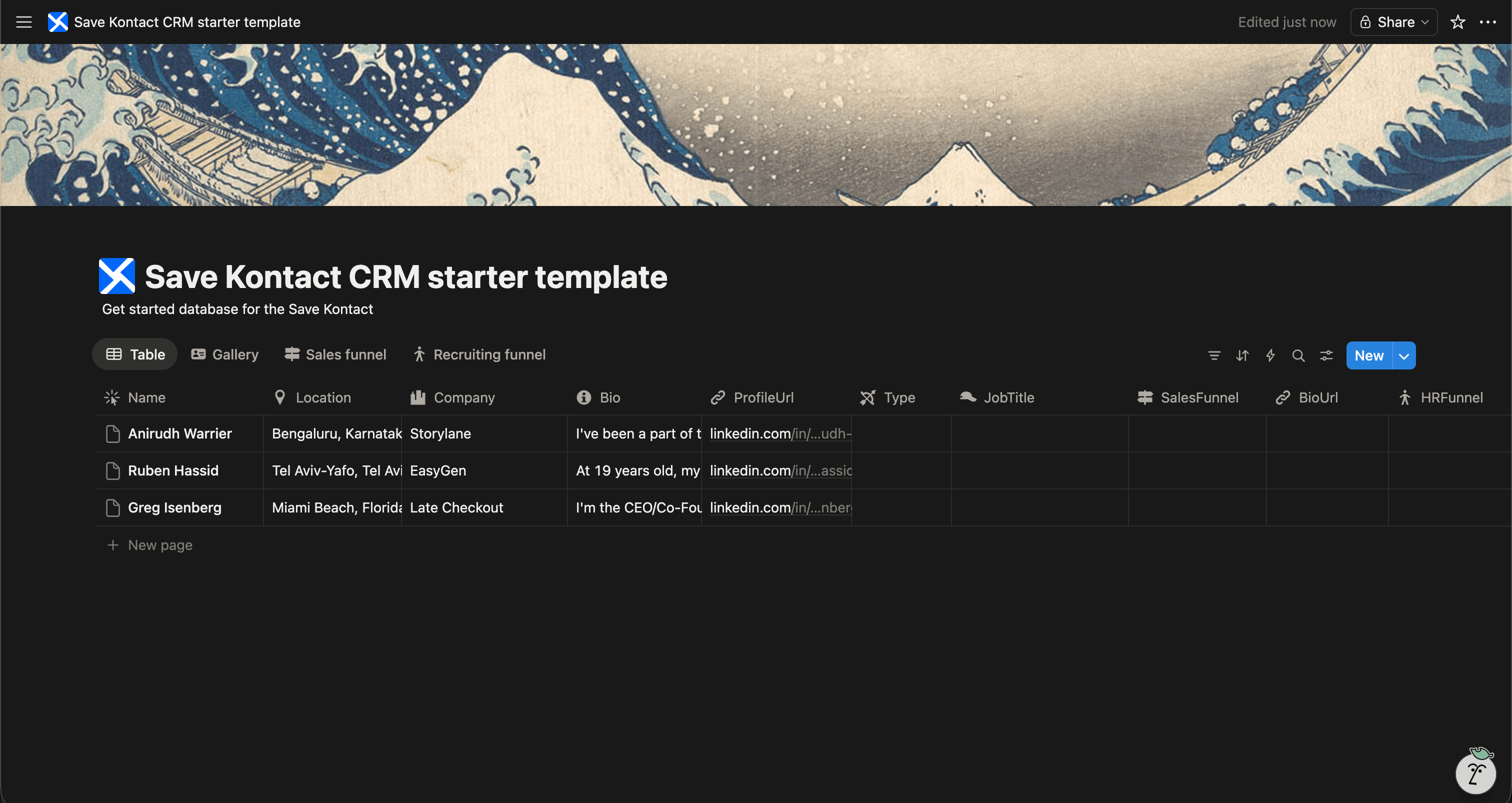
Our free Notion Recruiting CRM template is pre-configured for modern talent acquisition:
- Candidate Name & Profile Picture
- Applied Role & Department
- Pipeline Stage (e.g., Sourced, Interview, Offered, Hired)
- LinkedIn URL & Portfolio
- Email & Phone Number
- Interview Notes & Ratings
Download the Free Recruiting CRM Template
Sourcing Candidates the Easy Way
A Recruiting CRM is only useful when it's full of talent. Sourcing candidates on LinkedIn means constantly copy-pasting data into your CRM.
SaveKontact eliminates this friction.
-
Install SaveKontact: Add our extension to Chrome.
-
Connect to Notion: Link it to your Recruiting CRM.
-
Source Faster: Whenever you find a great candidate on LinkedIn, click to save their Name, Title, Current Company, Location, and Profile URL directly into your Notion pipeline.
How to use
Here are the action items to get started with the CRM templates:
Get the Free Notion Template
- Duplicate the CRM of your choice in your workspace
- Adapt it to your needs. You can add fields, rename fields, or do whatever you want
- Start populating it with your contacts
- Pro tip: check out Save Kontact, to quickly add contacts from LinkedIn