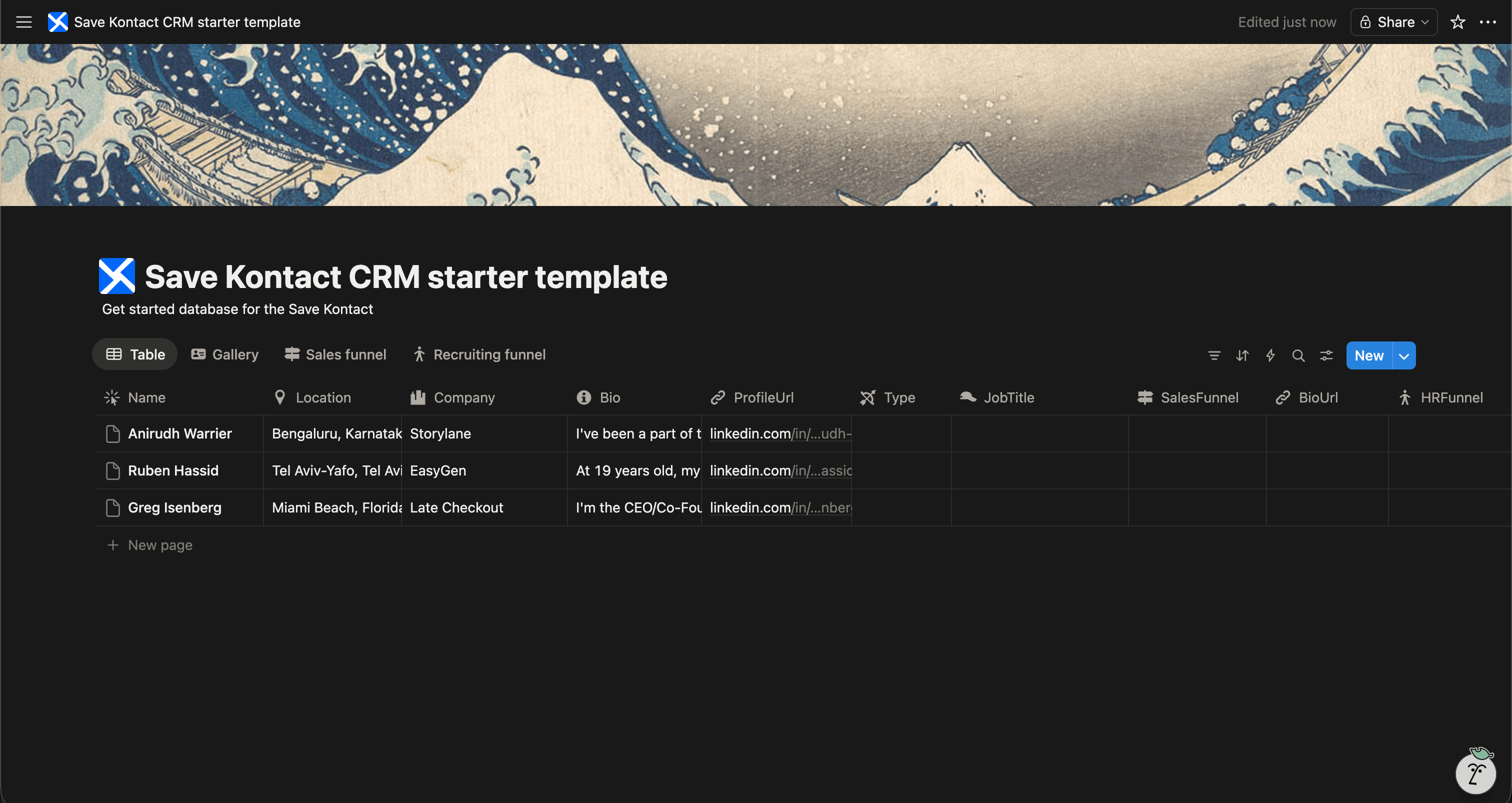
Raising capital is a numbers game that requires relentless organization. You need to track hundreds of conversations, follow-ups, and commitments. Notion is the premier tool for managing a startup fundraise.
We've designed a Free Fundraising CRM Template for Notion specifically for founders navigating their pre-seed, seed, or Series A rounds.
Get the Fundraising CRM Template for FREE
Why Use a Fundraising CRM in Notion?
A successful raise depends on momentum and tracking. Notion allows you to build an investor pipeline that keeps you focused.
- Track Investor Stages: Monitor whether an investor is a Target, in Due Diligence, or Committed.
- Manage Intros: Keep track of who is introducing you to which partner.
- Store Pitch Materials: Link your pitch deck, data room, and financial models directly to your CRM.
- Centralize Commits: Keep a clean tally of your committed capital on one page.
What's Included in the Template?
Our free Notion Fundraising CRM template gives you absolute clarity during your raise:
- Investor Name & Fund Name
- Check Size & Focus Area
- Pipeline Stage (e.g., Sourcing, 1st Meeting, Partner Pitch, Term Sheet)
- LinkedIn URL & Email
- Intro Contact / Referrer
- Last Interaction & Next Steps
Download the Free Fundraising CRM Template
Build Your Investor List Instantly
Sourcing angels and VCs often happens by digging through LinkedIn. But manually moving that data into your investor tracker breaks your flow.
SaveKontact helps you build your investor list at lightning speed.
-
Install SaveKontact: Add the Chrome extension.
-
Connect to Notion: Select your Fundraising CRM database.
-
Save Investors: Find an angel or VC on LinkedIn, click the SaveKontact button, and instantly map their profile into your fundraising pipeline.
How to use
Here are the action items to get started with the CRM templates:
Get the Free Notion Template
- Duplicate the CRM of your choice in your workspace
- Adapt it to your needs. You can add fields, rename fields, or do whatever you want
- Start populating it with your contacts
- Pro tip: check out Save Kontact, to quickly add contacts from LinkedIn